Create Website

Create Your Website Effortlessly

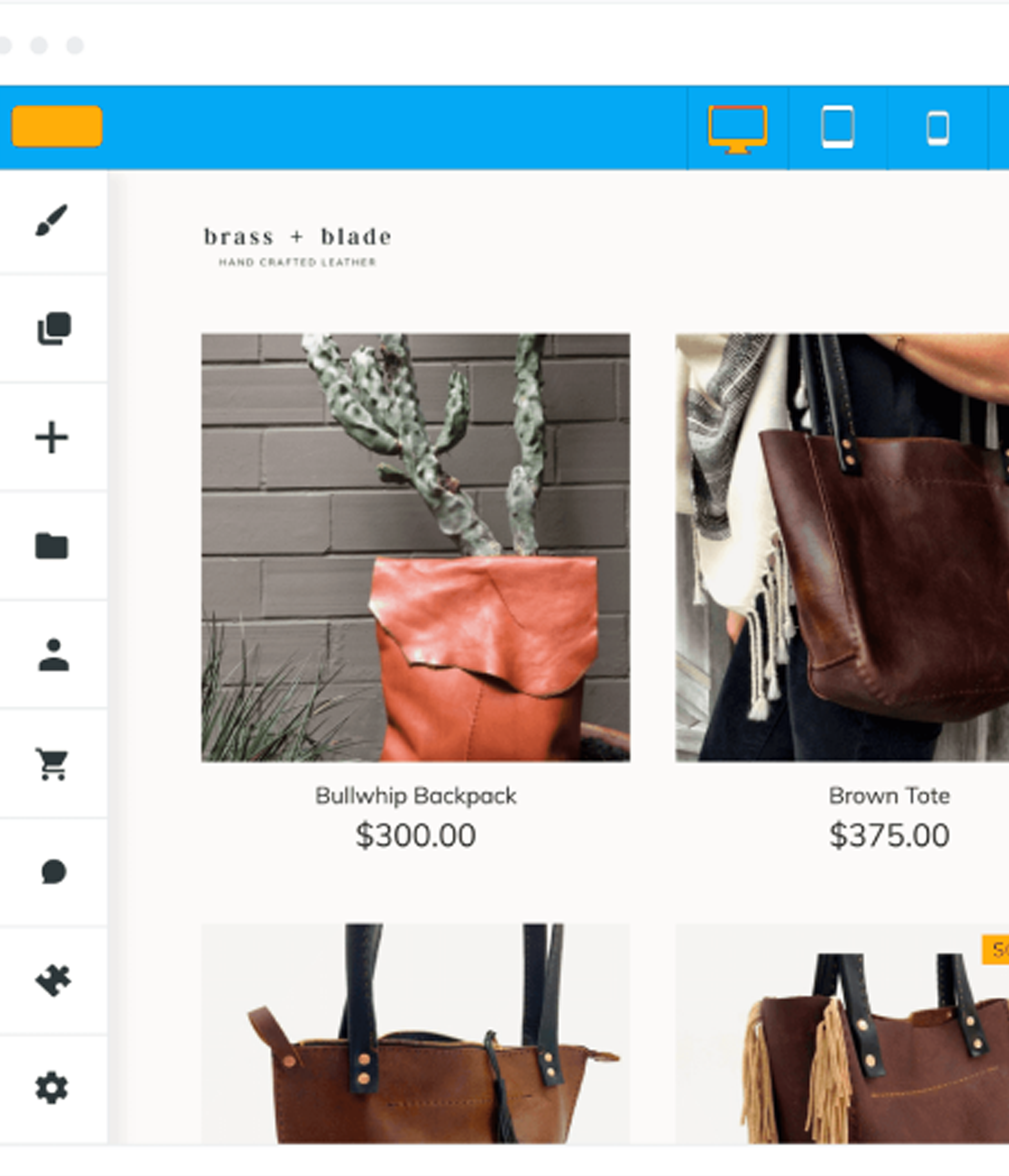
Infomoby DIY website editor shown across devices

Features

DIY Website Builder

1.Drag and drop builder

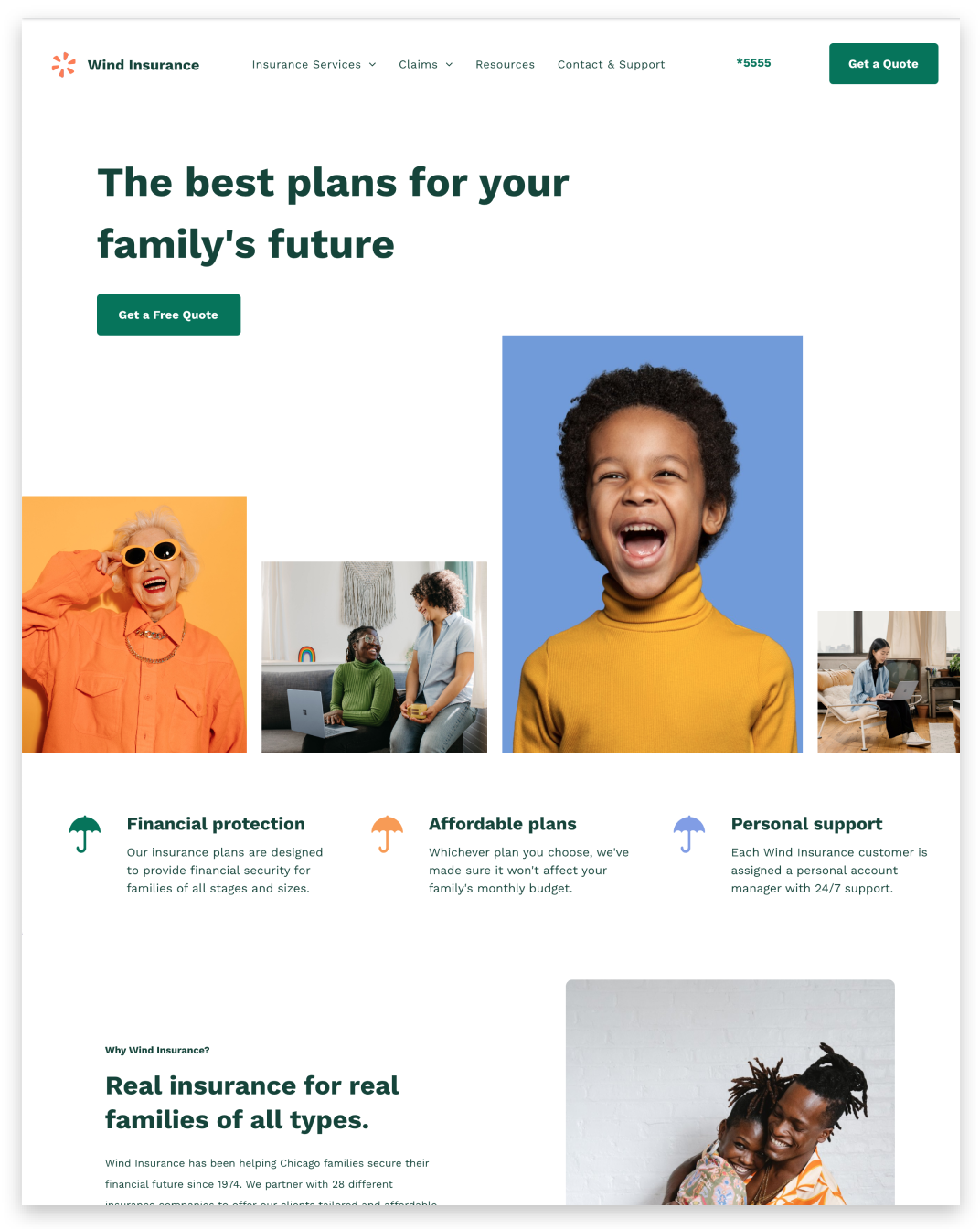
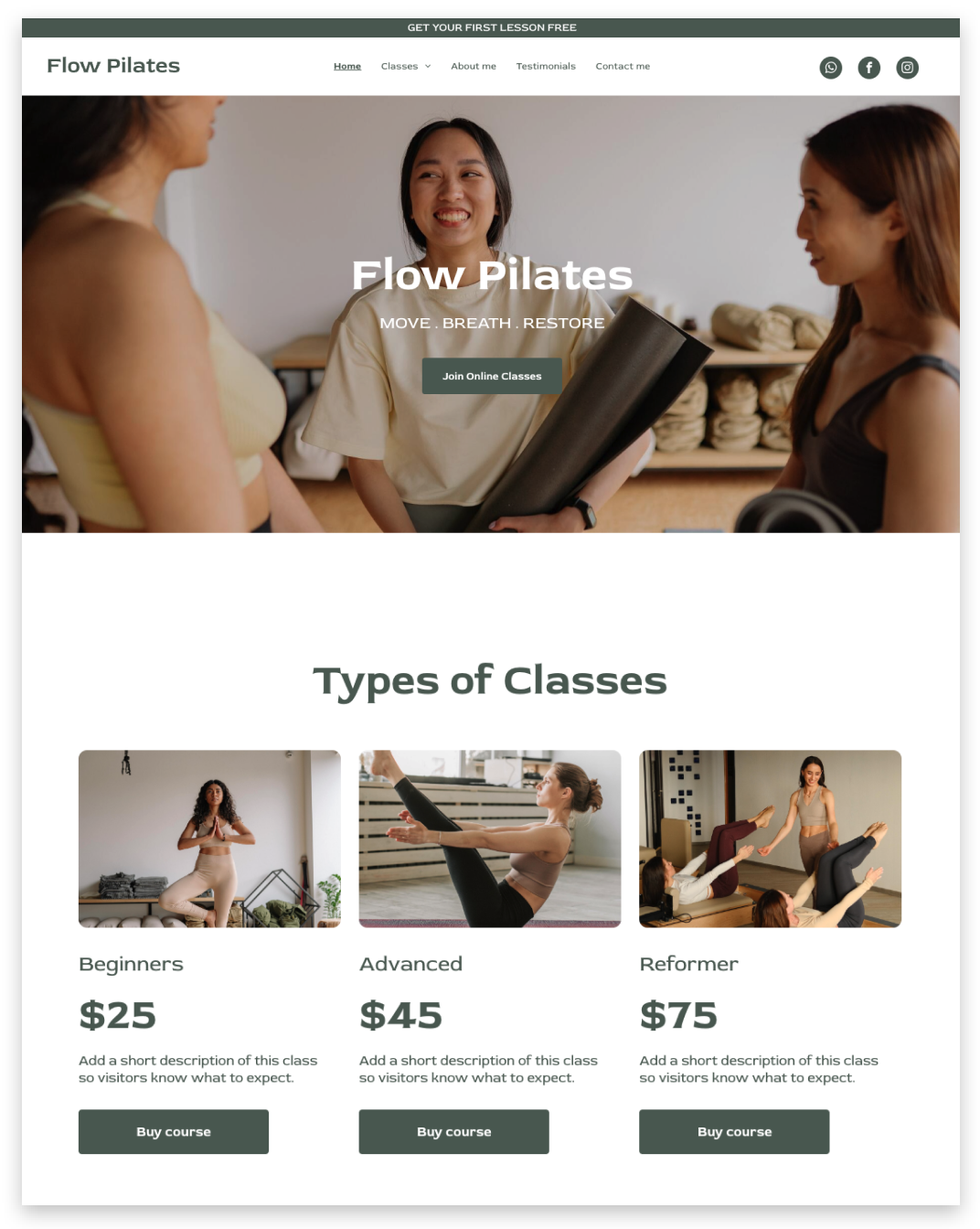
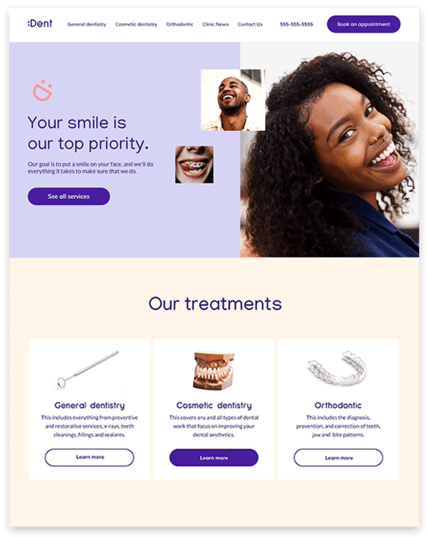
Our DIY Editor for Clients features a powerful drag-and-drop builder that makes designing your website a breeze. No coding or technical skills required. Simply choose from our wide range of customizable templates, and effortlessly drag and drop elements onto your page. Create a stunning website that reflects your unique brand and style in minutes.

2. Free domain name

When you sign up for our DIY Editor for Clients, we provide you with a free domain name for your website. Stand out from the crowd with a professional and memorable web address that represents your business perfectly. Say goodbye to long and complicated URLs and make a strong online presence with your own domain.

3. Optimized for mobile

In today's mobile-driven world, it's crucial to have a website that looks great and functions seamlessly on all devices. Our DIY Editor for Clients ensures that your website is fully optimized for mobile. Your content will automatically adjust to different screen sizes, providing a seamless user experience for your visitors, whether they're browsing on a desktop, tablet, or smartphone.

4. Options for any business

No matter what type of business you have, our DIY Editor for Clients has options tailored to suit your specific needs. From e-commerce stores to service-based businesses, we offer a variety of templates and features that can be customized to match your industry and business goals. Whether you're a freelancer, a small startup, or an established enterprise, our editor has the flexibility to accommodate your unique requirements.

5. 8 hours support

We understand that sometimes you may need assistance or have questions while using our DIY Editor for Clients. That's why our dedicated support team is available to help you during business hours. Whether you need help with design customization, technical issues, or general inquiries, our knowledgeable support staff will provide prompt and friendly assistance. Rest assured, we're here to ensure your experience with our editor is smooth and successful.

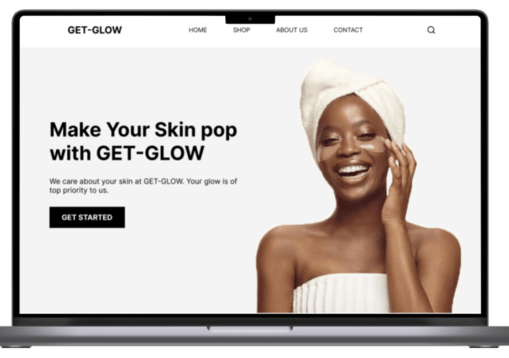
3 Easy Steps to Complete Your Website

1

Select sections you need

Choose a sections that aligns with your brand. You can customize it later.

2

Select a theme

Select a theme in our range of themes available. This will align with your brand style.

3

Customize your site & Publish

Check how your website looks and functions across different devices. Once satisfied, hit the publish button, and voila! Your website is now live

Choose Sections

Infomoby DIY section selection screenInfomoby DIY theme selection screenInfomoby DIY website customization screen
DIY Website Builder interface

Our Features

01

Time and Cost Savings

By utilizing our DIY editor, you eliminate the need to hire a web developer, saving you significant costs.

02

Customization and Flexibility

Have complete control over the design and content of your website. Easily add, modify, or remove elements to create an engaging online presence.

03

User-Friendly Interface

Our solution is designed with simplicity in mind. No technical or coding experience required to create a website.

04

Mobile-Optimized Experience

Our solution ensures that your website is automatically optimized for mobile devices. Your visitors can enjoy a user-friendly experience from any device

Get Started →

Pricing

Choose Your Plan

Select the plan that's right for your business. You can always upgrade or downgrade later.

Best for starting small

Starter

Ksh 5,000/year

  • Drag-and-drop builder
  • Template library
  • Mobile optimization
  • Custom domain name
  • Customer Support
  • Comprehensive documentation or knowledge base
Get Started

DIFM

Hire a Professional

Require assistance in building your website? Avail professional services and support from our expert team.

FAQS

Got questions? We’ve got answers.

Person considering frequently asked questions

General Questions

How does the DIY website editor work?

The DIY website editor provides an intuitive drag-and-drop interface that allows you to easily create and customize your website. Simply choose from a wide range of pre-designed templates, add your content, and customize the layout and design to suit your needs.

Can I use my own domain name?

Absolutely! With our DIY website editor, you have the flexibility to use your existing domain name or register a new one through our platform. We make it easy to connect your domain and ensure your website has a professional and personalized web address.

Is the editor optimized for mobile devices?

Yes, our DIY website editor ensures that your website is fully optimized for mobile devices. The templates and designs available are responsive, automatically adapting to different screen sizes and ensuring a seamless browsing experience for your visitors on smartphones and tablets.

What support options are available?

We offer comprehensive support for our DIY website editor. You can access our support team via email or live chat during business hours. We strive to respond to your inquiries within 24 hours and provide assistance with any technical or usage-related questions you may have.

Design & Customization

Can I customize the templates provided?

Absolutely! Our DIY website editor provides you with full customization options. You can easily modify the colors, fonts, and images to match your branding and style. Additionally, you can add or remove sections, rearrange elements, and personalize the layout to create a unique and tailored website.

Can I add my own content, such as text and images?

Yes, our DIY website editor allows you to add your own content seamlessly. You can easily insert text, upload images, embed videos, and showcase your products or services. The editor provides a user-friendly interface that makes content management and updates a breeze.

Are there options to integrate third-party tools or plugins?

Yes, our DIY website editor offers integration with a variety of third-party tools and plugins. You can add features like contact forms, social media sharing buttons, e-commerce functionality, and more. Explore our extensive library of integrations to enhance your website's functionality and user experience.

Can I preview my website before publishing it?

Absolutely! Our DIY website editor provides a preview mode that allows you to see how your website will look and function before making it live. This enables you to review and fine-tune the design, content, and overall user experience to ensure it meets your expectations and goals.